Uncroply
BlogPricing
Sign in

Blog

Product updates, guides, and engineering notes from the team.
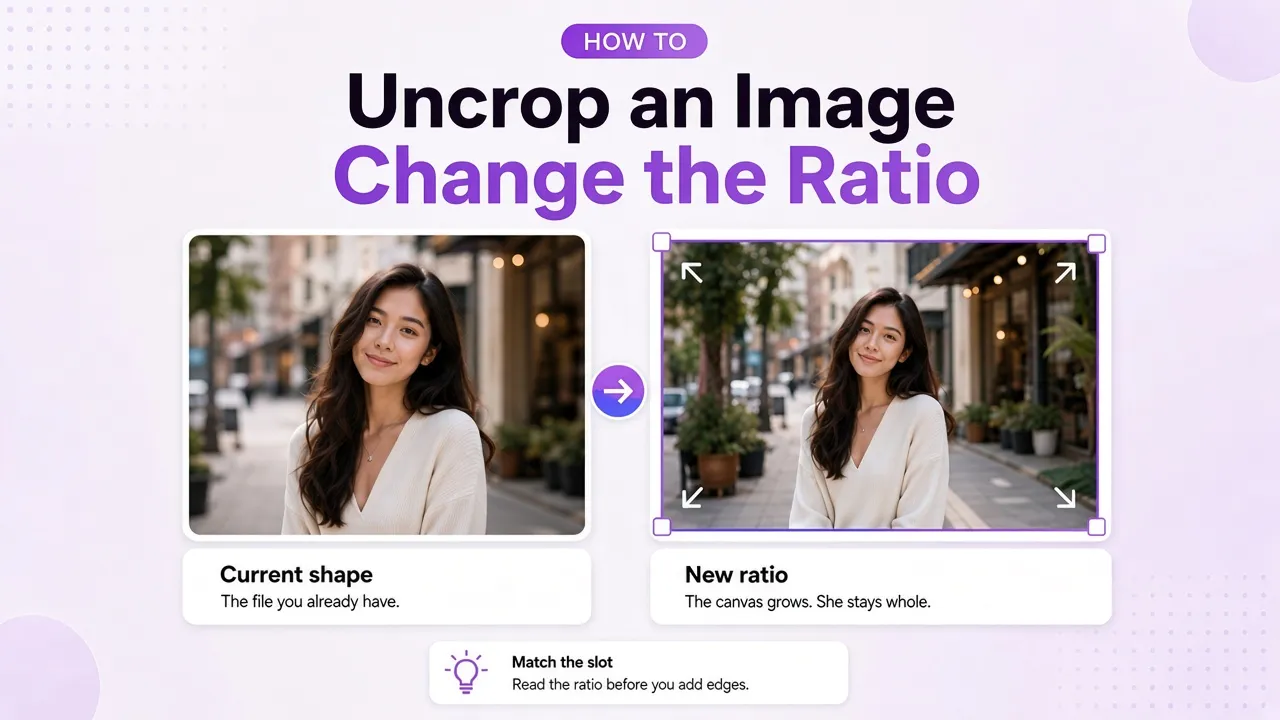
Cover image for “How to uncrop an image”

How to uncrop an image

How to uncrop an image: keep the original pixels and grow the canvas. Change the aspect ratio of an image without cropping when the slot needs a new shape.

Fay FangOct 11, 2026
Read article
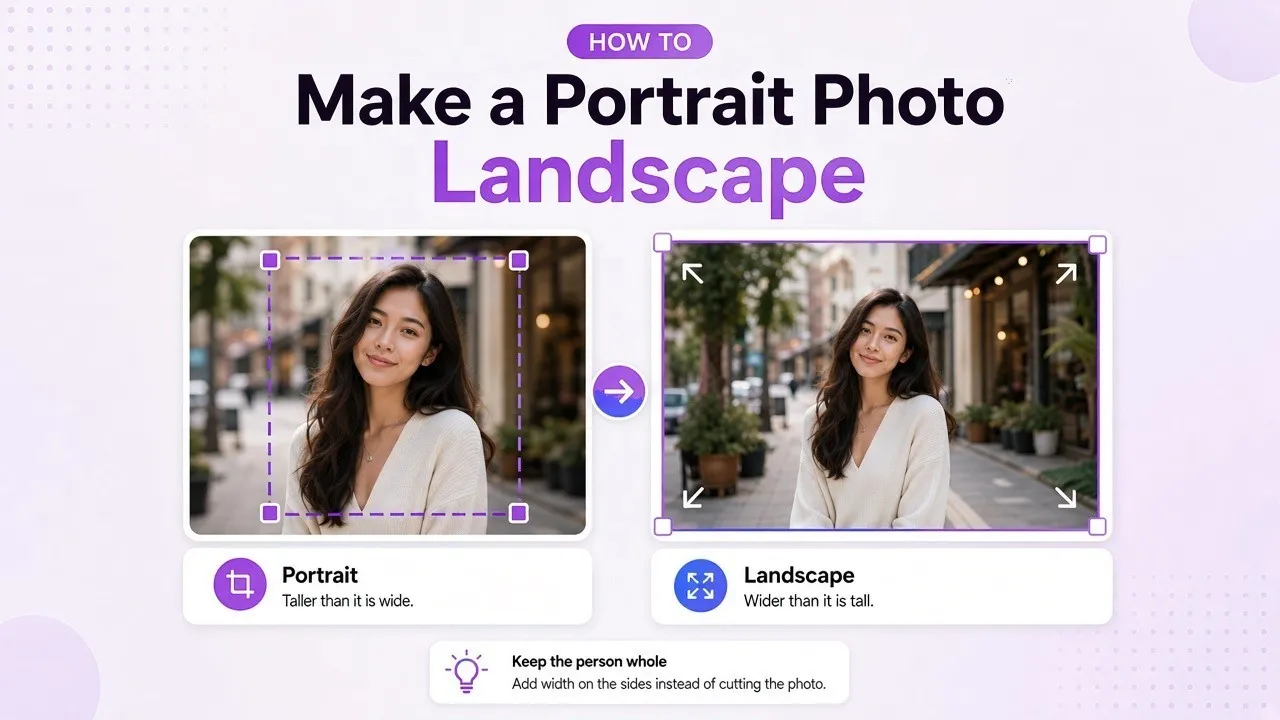
Cover image for “How to make a portrait photo landscape”

How to make a portrait photo landscape

How to make a portrait photo landscape: rotate a sideways file, crop if the edges can go, fit it with bars, or extend the sides when the subject has to stay whole.

Fay FangOct 10, 2026
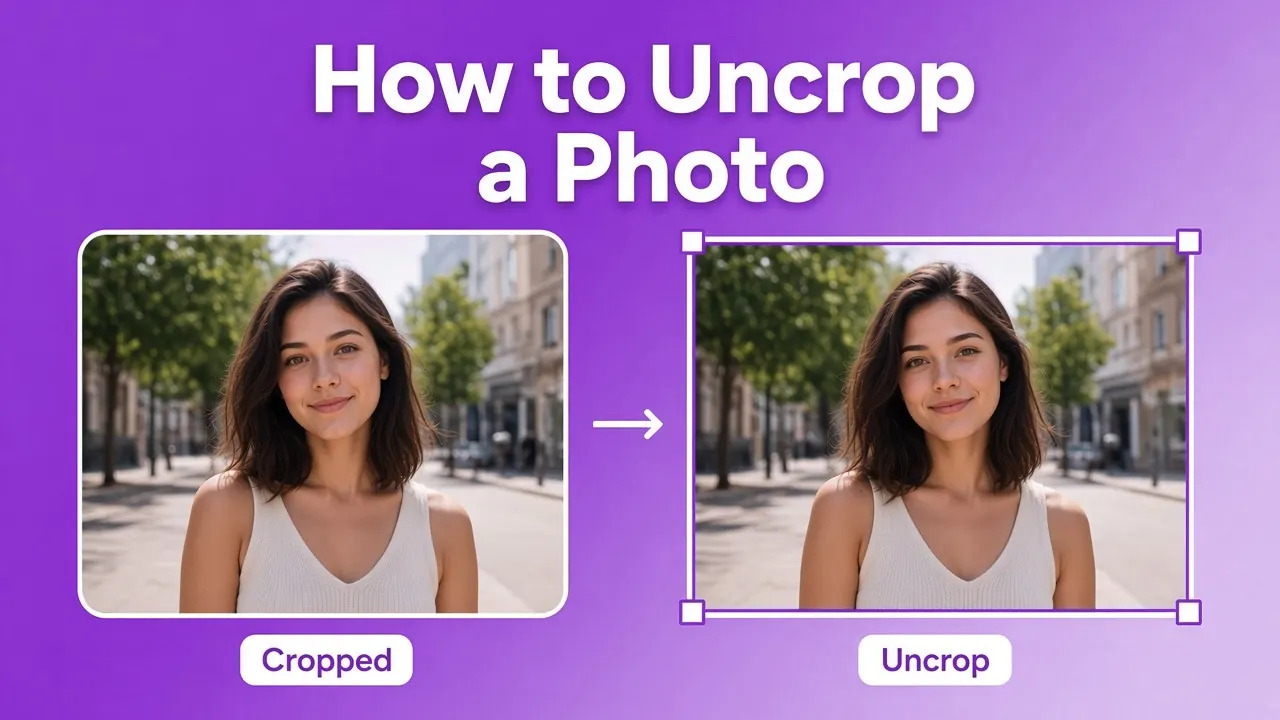
Cover image for “How to uncrop a photo”

How to uncrop a photo

If you still have the original, re-crop it. If you only have the cropped file, extend the canvas. AI can continue the scene. It cannot recover the pixels that were cut off.

Fay FangOct 7, 2026
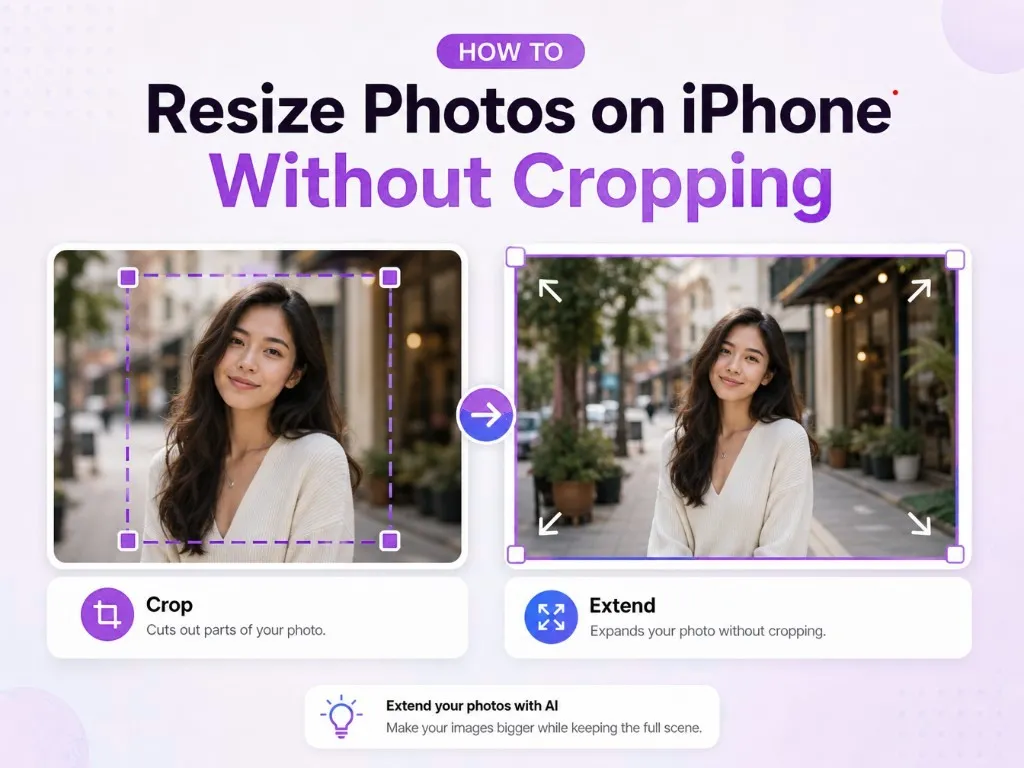
Cover image for “How to resize photos on iPhone without cropping”

How to resize photos on iPhone without cropping

Scale a photo in Shortcuts when the shape can stay. Crop in Photos only if the edges can go. Extend the canvas when the subject has to remain whole.

Fay FangOct 7, 2026
Uncroply

AI image uncrop, expander & editor. Extend photos beyond their borders for every format.

AI Products

  • AI Outpainting
  • Text to Image
  • Image to Image

Adder

  • Photo Border
  • Add Padding
  • Add Signature to Photo
  • Add Name to Photo
  • Add Logo to Photo

Converter

  • Portrait to Landscape
  • Landscape to Portrait
  • Horizontal to Vertical
  • Vertical to Horizontal

Resizer

  • Image Resizer
  • Facebook Photo Resizer
  • YouTube Image Resizer
  • YouTube Thumbnail Resizer
  • YouTube Banner Resizer

Zoomer

  • Zoom In Photo
  • Zoom Out Photo
  • Photo Zoomer
  • Image Zoomer

Legal

  • Privacy Policy
  • Terms of Service
  • Refund Policy
  • Acceptable Use
  • Sitemap
© 2026 Uncroply. All rights reserved.support@uncroply.com